
How to Retrieve Caterpillar Flash Files Safely
A failed ECM update can turn a routine repair into an expensive recovery job. When technicians need to retrieve Caterpillar flash files, the real requirement is not simply locating a file. It is identifying the exact approved calibration for the machine, confirming module compatibility, and programming it under conditions that will not corrupt the controller.
Caterpillar flash programming affects machine operation, emissions configuration, horsepower ratings, control logic, and diagnostic behavior. Treat the process as a controlled service procedure, not a generic file transfer. The correct flash file for one engine arrangement, application, or ECM part number may be incorrect for another unit with a similar serial range.
What a Caterpillar Flash File Does
A Caterpillar flash file contains the calibration software installed in an electronic control module. Depending on the platform, this may apply to an engine ECM, machine control ECM, transmission controller, implement controller, or another programmable module. The calibration defines how the module interprets inputs, commands outputs, manages faults, and communicates with other electronic systems.
A flash update may be required after ECM replacement, a failed prior programming event, a factory service campaign, a parameter correction, or diagnosis of a known software-related issue. It can also be part of bringing an older module to the correct approved software level before further testing.
The word "correct" matters. Flash files are tied to configuration details that are easy to overlook: engine serial number, machine serial number, arrangement number, ECM hardware part number, rating, emissions family, application, and installed options. A calibration that loads successfully is not automatically a calibration that belongs on that machine.
Retrieve Caterpillar Flash Files by Identification First
The fastest technicians do not begin by searching software libraries. They begin by collecting identification data directly from the equipment and the installed controller. This prevents wasted programming attempts and reduces the chance of selecting a calibration based on a partial description.
At minimum, record the full engine serial number or machine PIN, the ECM serial number, the current flash file number, the ECM part number, and all active or logged diagnostic codes. If the machine is operational, save a product status report or equivalent controller report before making changes. That baseline is useful if programming creates a new issue or if the machine returns with a complaint later.
The machine arrangement and rating information should also be verified against the identification plate and service documentation. An industrial engine, off-highway machine engine, generator-set engine, and marine engine may share hardware characteristics while requiring different calibration logic. Do not select files by displacement, horsepower, or model family alone.
For an ECM that will not communicate, the recovery path depends on the failure mode. First confirm battery voltage, ground integrity, key-switch power, data link continuity, connector condition, and the diagnostic adapter connection. A communication failure caused by low system voltage or a damaged data link cannot be repaired by obtaining another flash file.
Use an Authorized and Controlled Source
Factory software ecosystems use serial-number-based entitlement and application data to identify supported calibration releases. Retrieve calibration information through an authorized source that can validate the target machine and intended service operation. This protects equipment configuration and helps maintain compliance with applicable emissions, safety, and operating requirements.
Avoid unknown, modified, or poorly documented calibration packages. A file with an appealing description but no verified application data can introduce unstable operation, incorrect engine protection settings, unexpected fault codes, or a no-start condition. It may also create legal and warranty exposure, particularly where emissions-controlled equipment is involved.
There is a practical distinction between a legitimate service calibration and a modified file intended to disable regulated systems or bypass OEM protections. Professional shops should maintain clear internal rules: use verified software for approved repair and programming purposes, document the calibration installed, and do not use tools or files to defeat emissions controls, safety functions, licensing controls, or security systems without proper authorization.
Confirm Compatibility Before Programming
Before programming, compare the proposed flash file details with the controller and machine data. The essential question is not whether the programming application recognizes the file. The question is whether the calibration is approved for that exact arrangement and module configuration.
Check the current flash file number and revision against the available replacement. A later revision may address a documented issue, but later is not always better if it changes behavior needed for a specialized attachment, regional machine configuration, or legacy controller network. Review applicable service information for required steps, configuration changes, or companion module updates.
Also confirm that the ECM hardware supports the proposed calibration. Different ECM generations may use distinct file formats, communication methods, memory capacities, or security requirements. Attempting to force a mismatch can leave the controller unprogrammed and may require recovery or replacement.
If the ECM has been replaced, verify its part number and intended application before flashing. A replacement ECM can be physically similar and electrically connected yet still be unsuitable for the machine. Correct software cannot compensate for incompatible hardware.
Prepare the Machine for a Stable Flash Event
Programming reliability depends heavily on electrical stability. Battery voltage that looks acceptable with the key on can collapse when fans, pumps, lights, or other loads cycle. Connect a properly rated battery support unit or charger where appropriate, and verify that the power source can maintain stable voltage throughout the process.
Shut down unnecessary electrical loads. Place the machine in a safe, secured condition, with the transmission or hydraulic controls positioned according to the service procedure. Keep the diagnostic adapter, USB connection, and data link cable protected from movement. A loose connection during programming can interrupt communication at the worst possible time.
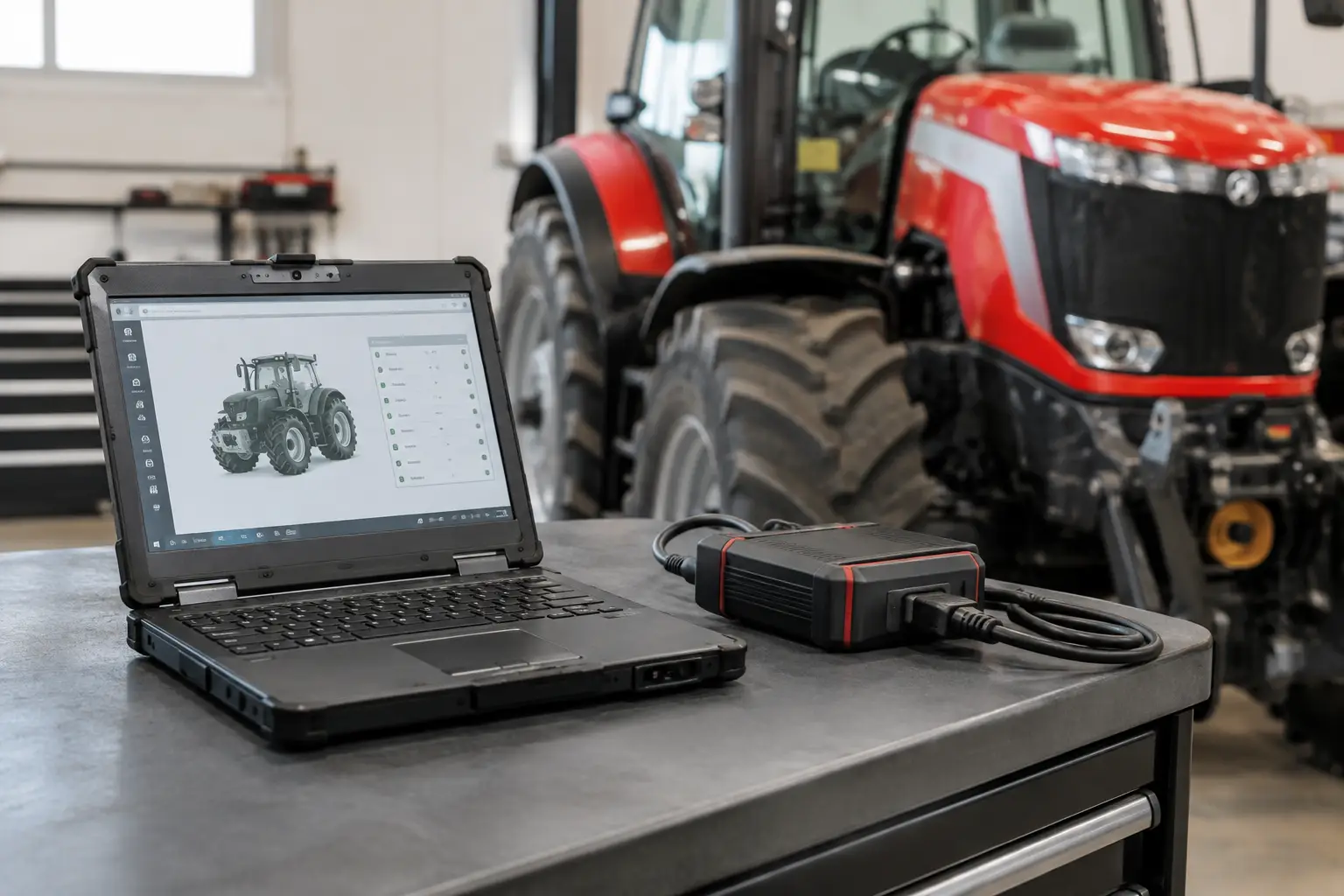
Use a supported interface and programming application version for the equipment being serviced. Compatibility matters at every layer: the laptop operating system, diagnostic adapter driver, communication protocol, service software release, and ECM family. SYSTEMRTX customers should evaluate tools by supported platform and function rather than assuming one adapter or utility covers every Caterpillar application.
Do not begin a flash event if the machine has unresolved low-voltage codes, unstable power, damaged grounds, active network faults, or questionable wiring at the ECM connectors. Repair those conditions first. Programming is not a diagnostic shortcut for electrical failures.
Program, Verify, and Document the Result
During the programming event, follow the software prompts exactly and do not cycle power, disconnect cables, start the engine, or operate machine controls unless directed. Programming times vary with module type, communication speed, and file size. A pause in screen activity does not necessarily mean the process has stopped.
When programming completes, cycle the key or power supply only as instructed. Reconnect to the module and verify the installed flash file number, ECM serial number, and expected configuration status. Clear codes only after recording them, then check whether any return immediately. A post-flash fault that was not present before may indicate a configuration mismatch, an incomplete setup procedure, or an unrelated machine problem that was masked by the original condition.
Complete required configuration and calibration steps after flashing. Depending on the application, this can include injector trim entry, throttle or pedal calibration, transmission clutch calibration, implement configuration, customer parameters, clock settings, or security-related setup performed through authorized procedures. A successfully flashed controller may still require these operations before the machine is ready for service.
Run the equipment through a controlled functional check. Verify starting, communication with related modules, idle quality, throttle response, key switch operation, instrument warnings, and any system-specific functions related to the repair. For working machines, confirm operation under load when it is safe to do so.
Document the original file number, replacement file number, date, machine identification, ECM identification, reason for programming, configuration work completed, and post-programming results. This record is valuable for fleets, repeat customers, warranty support, and future diagnostics. It also prevents the next technician from guessing what changed.
When Retrieval Is Not the Real Problem
Some programming jobs are presented as a request for a flash file when the underlying issue is hardware damage, an incorrect ECM, missing configuration, or a communication fault. A machine that lost programming after a battery event may have a charging-system or ground problem. An ECM that will not accept a known-correct calibration may have internal memory damage or an incompatible part number.
Use the programming process to confirm a repair path, not to replace diagnosis. Verify power, ground, communication, controller identity, and application fitment before assuming software is the cause. That approach protects the module and prevents unnecessary downtime.
The best result is a machine returned to service with the right calibration, stable operation, and a documented programming history. Retrieve the file only after the identification work is complete, then make the flash event as controlled as every other critical repair in the shop.