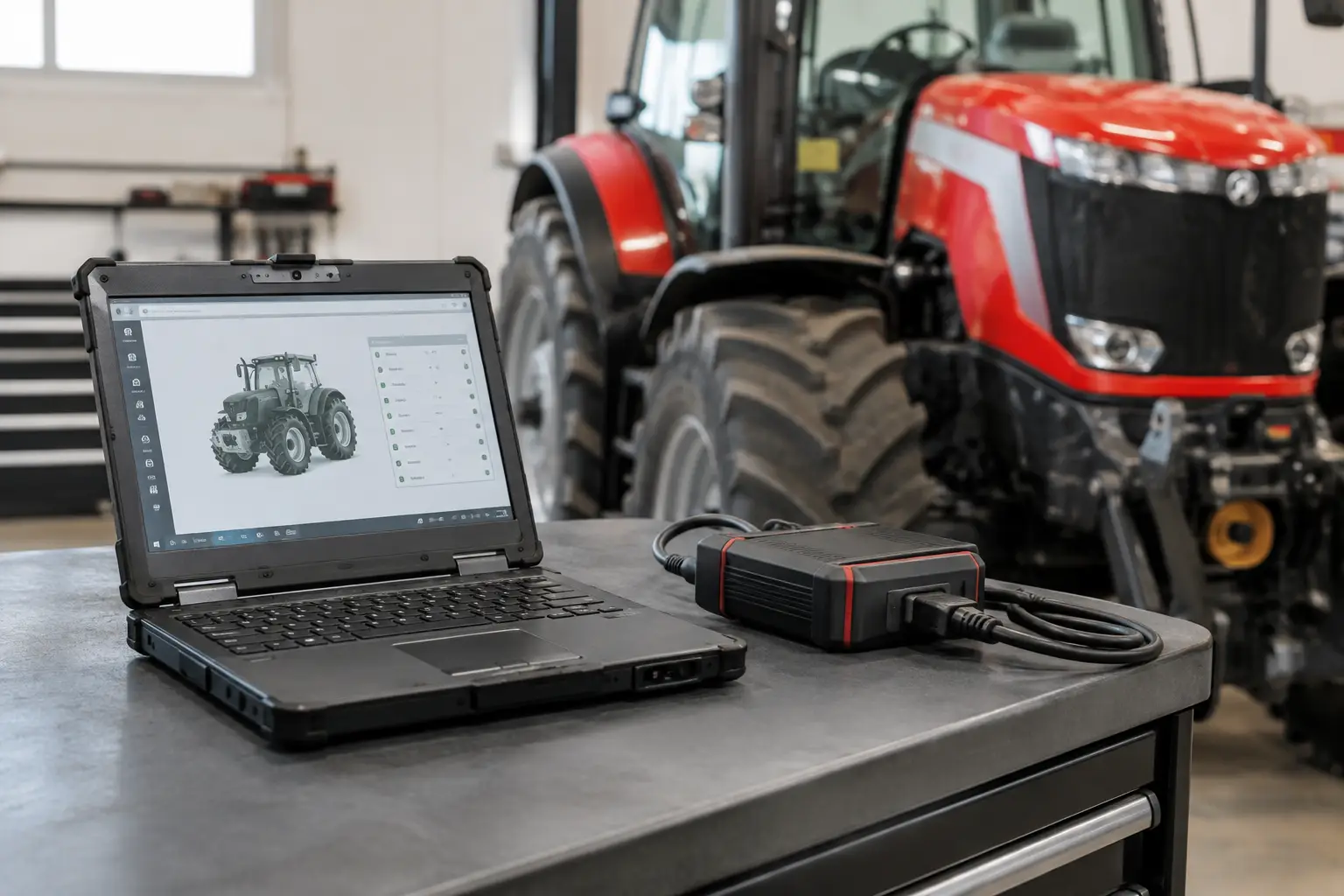

MAN Parameter Programming Guide for Workshop Techs
A parameter write on a MAN vehicle is not a routine menu operation. The values stored in the ECU can affect drivability, PTO behavior, speed control, chassis configuration, bodybuilder functions, and service logic. A correct MAN parameter programming guide starts with one rule: identify the control unit, software level, and approved target configuration before connecting a programming tool.
For independent workshops and fleet maintenance departments, this preparation is what separates a controlled repair from a truck that returns with warning lamps, missing functions, or an incomplete commissioning state. Parameter programming should support an authorized repair, retrofit, or configuration correction - not replace diagnosis or bypass legal, safety, or emissions requirements.
What MAN Parameter Programming Actually Changes
MAN electronic control units use parameter sets to define how installed hardware and vehicle options operate. Depending on the platform and ECU, programming may involve customer-specific parameters, vehicle order data, variant coding, learned values, adaptations, or calibration-related settings. These are different operations, even when the diagnostic application presents them in the same session.
A technician may need to program parameters after replacing an ECU, adding an approved bodybuilder interface, correcting PTO settings, configuring auxiliary equipment, or completing a guided replacement procedure. In some cases, the required value is held in a central vehicle configuration and must be written to more than one module. In others, a single ECU parameter change is sufficient.
The practical point is simple: do not assume a setting from one MAN chassis, model year, or software revision belongs in another. Two trucks with the same engine family can have different transmission, axle, braking, body, market, and fleet specifications. A copied parameter set can create conflicts that are not visible until the truck is under load or communicating with attached equipment.
MAN Parameter Programming Guide: Pre-Job Controls
Before opening a programming session, verify the VIN, vehicle series, ECU part number, hardware number, and installed software version. Read all active and stored fault codes first. If the ECU reports an internal fault, low-voltage condition, CAN communication issue, or security-related error, resolve that condition before attempting a write.
Programming a module with an unresolved network problem can leave the process incomplete. A parameter write that appears successful may still fail to synchronize with another controller if the vehicle network is unstable. For that reason, document the vehicle condition before changes begin, including warning lamps, customer complaints, and current configuration behavior.
Use these four pre-job controls on every programming task:
- Connect a regulated battery support unit sized for the vehicle's electrical demand. Do not depend on battery condition alone.
- Use a verified interface and software combination that supports the specific MAN platform and function being performed.
- Save a complete pre-programming report, including identification data, fault memory, live configuration screens, and original parameter values where the application permits export.
- Confirm the requested change against OEM repair information, approved retrofit documentation, or the vehicle's documented build specification.
A stable power supply is non-negotiable. Voltage loss during a parameter operation can interrupt communication, corrupt an incomplete write, or force a recovery procedure that requires additional access. Disable unnecessary electrical loads, keep the diagnostic connection secure, and prevent anyone from cycling the ignition unless the software specifically instructs it.
Select the Right Access Method
Access requirements depend on the vehicle generation, ECU family, and function. Some jobs use guided diagnostic workflows with automatic checks. Others require security authorization, online validation, parameter files, or a valid service credential. A diagnostic device that can read faults is not automatically capable of writing configuration data.
Confirm the function before purchasing or installing software. The relevant questions are whether the application supports your MAN model range, whether it performs read-only diagnostics or bidirectional programming, and whether the required authorization is available for the intended operation. Workshop tools should also match the operating system, interface protocol, and license arrangement used in the shop.
For ECU replacement work, avoid treating programming as a standalone file-transfer task. The replacement module may require coding, vehicle configuration transfer, immobilizer or security synchronization where applicable, and post-write routines. Follow the approved sequence for the specific controller. Skipping a required guided step can leave a new ECU communicating but not fully commissioned.
A Controlled Programming Workflow
Begin by establishing communication and running a complete vehicle scan. Record faults, control-unit identification, and current parameters. If the software provides an automatic report, save it under the VIN and work order number. This creates a recovery reference if the customer reports a change in operation later.
Next, compare the requested configuration to the current configuration. A reported problem is not proof that a parameter is wrong. For example, a PTO complaint may originate from switch inputs, bodybuilder wiring, a missing enable condition, clutch or transmission status, or a stored fault in another ECU. Confirm the control logic before changing values.
When the required change is verified, use the diagnostic application's designated programming or parameterization function. Do not force a session through an incorrect ECU selection or generic communication path. Keep the ignition state exactly as instructed and allow the application to finish each stage, including any reset, key cycle, or wait period.
After the write, read the parameter value back from the controller. A completed progress bar is not final proof of a valid configuration. Confirm that the stored value matches the approved target and that the ECU reports the expected software and configuration status. Clear faults only after recording them and only when the repair process permits it.
Certain changes require additional actions such as actuator calibration, adaptation reset, transmission learning, sensor initialization, or bodybuilder function testing. These procedures are not optional cleanup steps. They are part of commissioning and should be completed before the vehicle is released.
Validate the Truck, Not Just the ECU
The final test must match the function that was programmed. If the job involved PTO logic, test PTO engagement under the required conditions and confirm the correct status signals. If the job involved speed-related or bodybuilder functions, verify operation with the relevant switches, interlocks, and connected equipment.
Run another full scan after programming. New faults may identify a configuration mismatch, a controller that did not accept the updated data, or a network module that requires its own setup procedure. Confirm there are no warning messages on the instrument cluster and no abnormal behavior during an appropriate road or functional test.
Document the final ECU identification, programmed values, completed routines, remaining faults if any, and test results. This record protects the workshop and reduces repeat diagnostic time. It also provides the next technician with a usable baseline instead of an undocumented configuration change.
Common Failures and Their Causes
Most parameter programming failures are process failures rather than software failures. Low system voltage, wrong vehicle selection, poor interface communication, expired authorization, and unverified target values account for a large share of unsuccessful jobs.
Another frequent issue is attempting to write a parameter that the ECU software does not support. A value may exist on a similar vehicle but be unavailable on the vehicle in the bay because of different hardware, market configuration, or firmware level. In that situation, forcing a different file or value is not a repair strategy. Verify the part number, application conditions, and approved configuration source.
If programming is interrupted, do not repeatedly retry without checking power, communication, and ECU state. Capture the error message, re-establish stable conditions, and follow the designated recovery path for that module. Repeated writes against an unstable controller can make recovery more difficult.
When to Stop and Escalate
Stop the job when the requested change conflicts with the vehicle's documented specification, affects regulated emissions or safety systems without approved authorization, or cannot be validated through a supported workflow. The correct answer is sometimes additional information, a revised parameter file, or OEM-level support - not another attempt with a different setting.
A professional MAN programming process is built on traceability: correct vehicle identification, approved parameters, stable power, verified write results, and functional testing. That discipline keeps the truck in service, protects the shop from avoidable comebacks, and gives technicians the control they need to complete advanced work with confidence.