Perkins Engine Service Software for Shop Control
A Perkins-powered machine can be mechanically sound and still remain out of service because the ECM will not release the information or function needed to complete the repair. Perkins engine service software gives qualified technicians access to the electronic side of the job: reading fault data, reviewing live parameters, performing guided tests, applying calibrations, and handling protected service workflows where authorization is required.
For independent shops, fleet departments, and agricultural equipment specialists, the objective is not simply to clear codes. It is to identify the root cause, verify the repair, and return the unit to work without unnecessary dealer scheduling, transport, or repeat labor.
What Perkins Engine Service Software Is Built to Do
Perkins service platforms are designed around electronically controlled industrial and off-highway engines. Depending on the engine family, ECM generation, and installed software version, the available functions can include identification reading, active and logged diagnostic trouble codes, freeze-frame information, live data monitoring, output tests, injector-related procedures, configuration checks, and selected calibrations.
That capability matters because a generic scan tool can often retrieve a basic fault code but may not provide the OEM-level context behind it. A code for a pressure sensor, for example, does not automatically prove that the sensor has failed. The technician may need to compare commanded and actual values, inspect supply voltage, check related parameters, run an actuator test, and confirm whether the ECM has recorded a secondary condition. Factory-oriented software is built to support that workflow.
The exact feature set depends on the application. A mechanically governed older engine and a current electronic common-rail platform do not require the same diagnostic depth. Likewise, a Perkins engine installed in agricultural machinery may have machine-level controllers and OEM-specific integrations beyond the engine ECM itself. Engine software should be selected for the engine and controller in front of you, not just the Perkins name on the valve cover.
Core Service Functions That Reduce Downtime
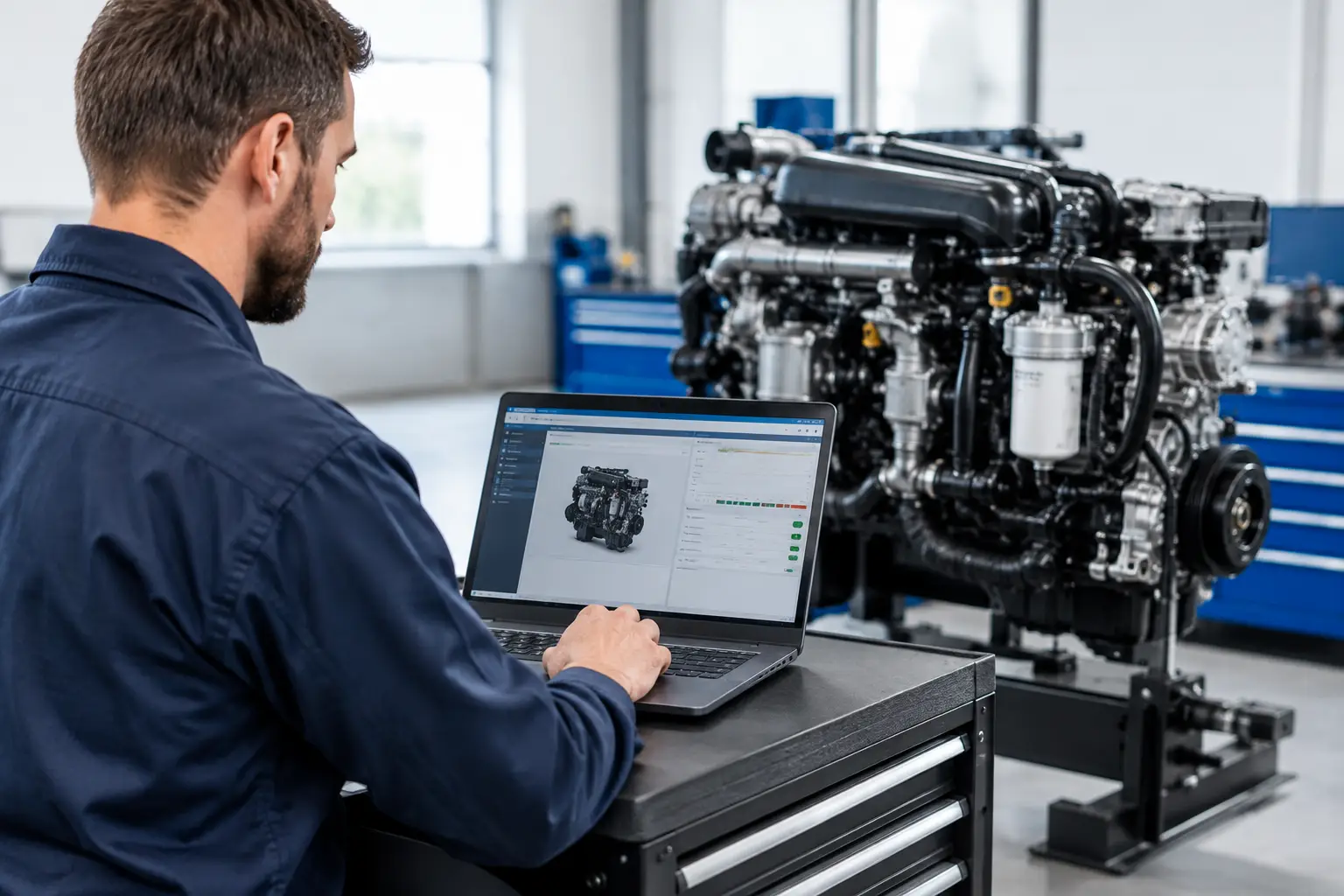
The most valuable diagnostic software functions are the ones that shorten the path from symptom to confirmed repair. Live data is central to that process. It allows a technician to monitor inputs and calculated values while the fault is present, rather than making decisions from a stored code alone.
Useful data groups commonly include engine speed, coolant temperature, intake air temperature, fuel pressure, throttle position, boost-related readings, battery voltage, sensor reference voltage, and engine operating status. Comparing these values under a known condition can expose intermittent wiring faults, weak power supply circuits, implausible sensors, air-in-fuel conditions, or operating limitations that are not obvious during a visual inspection.
Bidirectional controls and active tests add another level of confidence. Where supported, the software can command a component or test a circuit while the technician measures the response. This is often more efficient than replacing components based on probability. It also reduces the risk of returning equipment to service with a fault that only appears under load or during a regeneration-related operating condition.
Calibration and configuration functions require more caution. These procedures may be necessary after replacing an ECM, injector, sensor, pump-related component, or other controlled part. They can also be needed when a controller has lost learned values or when a repair changes an operating parameter. A calibration is not a shortcut for diagnosis. Running one without confirming prerequisites, battery support, wiring integrity, and correct software compatibility can create additional faults or leave a machine unable to start.
Software Alone Is Not a Complete Diagnostic Setup
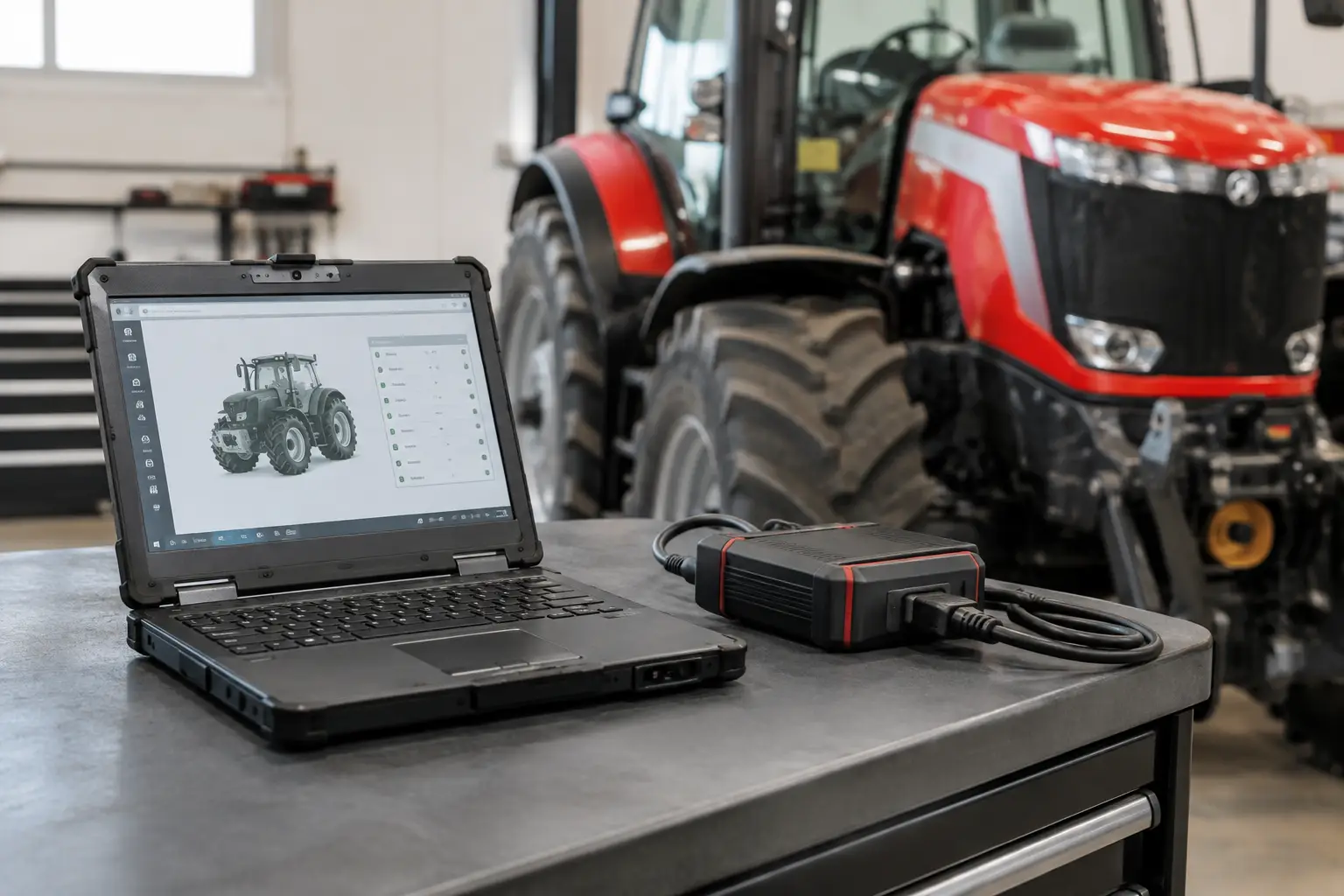
A service application is only one part of the system. Reliable communication requires compatible hardware, stable power, and the correct connection method for the machine. Many Perkins applications use a diagnostic adapter connected through the service port, but connector style, protocol, and access location vary by equipment manufacturer and engine generation.
Before purchasing or installing a package, verify the engine serial number range, ECM family, communication protocol, operating system requirements, and interface compatibility. A tool that supports one Perkins electronic platform may not communicate with another, even when both engines appear similar externally.
Laptop condition also matters. Diagnostic sessions should not be performed on an unstable computer with low battery capacity, interrupted USB communication, or an unsupported operating system. During programming or configuration work, use a maintained power supply for the machine and keep the laptop on AC power. A voltage drop, loose data cable, or forced shutdown can interrupt a procedure at the wrong time.
For shops handling mixed fleets, it is worth separating routine diagnostics from programming work. A dedicated service laptop with controlled updates, known-good adapters, and documented software versions is easier to support than a general-use office computer. It also reduces the risk of a driver update, antivirus setting, or operating system change disrupting communication when a machine is already in the bay.
Choosing the Right Perkins Engine Service Software
The right package depends on the work your shop performs most often. If the need is fault retrieval, data monitoring, and standard service testing, a diagnostic-focused setup may be sufficient. If your workflow includes controller replacement, protected parameters, password-controlled functions, or calibration procedures, verify those capabilities specifically before buying.
Do not assume that a newer software version automatically supports every older engine, or that an older package will fully support a current controller. Versioning affects vehicle coverage, function availability, driver support, and installation behavior. The software must also match the communication interface being used. Compatibility should be confirmed at the system level: engine, ECM, adapter, cable, laptop, and software version.
For professional users, these evaluation points deserve attention:
- Supported Perkins engine families and ECM generations
- Diagnostic adapter and cable requirements
- Operating system compatibility and installation format
- Availability of active tests, calibrations, and configuration functions
- Password, security, or authorization workflow requirements
- Whether the package supports unlimited use, offline operation, or a defined license period
Technical files, wiring information, fault-code references, and parts data can also improve the value of the diagnostic setup. Software identifies the electronic condition; service information helps the technician test the circuit correctly, locate the component, and determine whether the fault is engine-side or related to the host machine.
Protected Functions and Password Workflows
Modern engine electronics are intentionally protected. Security controls help prevent unauthorized parameter changes, controller misuse, and configuration errors that can affect emissions compliance, safety, or engine durability. That means certain functions may require passwords, access credentials, or approved service procedures.
For a qualified repair operation, access to the correct password workflow can eliminate delays after legitimate ECM replacement or service work. The key is to use the function for its intended purpose and confirm that the requested procedure applies to the exact engine and controller. Password generation, resets, and security-related tools are not interchangeable across every Perkins application.
A disciplined workflow protects the shop as well as the machine. Record the original ECM identification, stored codes, key parameters, and customer complaint before making changes. Save reports when the software supports them. If a configuration or calibration is performed, document the reason, the parts installed, and the final verification results. That record is valuable when diagnosing a later issue or explaining completed work to a fleet customer.
A Practical Diagnostic Workflow for Perkins Engines
The best results come from following a repeatable process rather than opening the software only after parts have been replaced. Start by verifying the complaint and checking basics: battery condition, grounds, fuses, harness damage, fuel quality, air restrictions, and fluid levels. Electronic diagnostics are more accurate when the mechanical foundation has been checked first.
Connect the service tool and identify the engine and ECM. Read all active and logged codes before clearing anything. Review hours, operating conditions, and related faults. A low-voltage history code, for example, may explain several unrelated communication or sensor faults that appeared at the same time.
Next, use live data to test the suspected system. Compare values against expected operating conditions and look for signals that do not agree with one another. Use active tests where the software supports them, then verify the repair with a key cycle, restart, operating test, and final code scan. Clear codes only after the underlying failure has been corrected and the system has passed verification.
That sequence is slower than guessing for the first few minutes, but it is faster than replacing sensors, valves, or ECMs without proof. It also creates a consistent diagnostic standard across multiple technicians and shifts.
Build Capability Around the Work You Actually Perform
Perkins engine service software is most valuable when it is matched to the engines in your customer base and supported by the right interface, technical information, and shop procedures. A farm-service operation working on compact equipment has different needs than a fleet shop maintaining industrial power units or a diesel specialist handling repeated ECM replacement and calibration jobs.
SYSTEMRTX supports professional buyers who need direct access to specialized diagnostic and service resources without building their workflow around dealer availability. The strongest setup is not necessarily the largest software package. It is the one that communicates reliably, covers the equipment you service, and gives your technicians the functions needed to diagnose, repair, calibrate, and verify the job with confidence.
When a Perkins-powered unit is down, the practical question is simple: can your shop prove the fault, complete the required electronic procedure, and document the repair before downtime becomes the customer’s next problem?